Parts and edits
Part creation, dimension changes, added/removed material and volume checks; native saves and STEP exports.
AOTEAROA LABS / SARA-AI
SOLIDWORKS bridge · Pilot launch
A software bridge for engineer-supervised SOLIDWORKS workflows. Let’s test one repetitive task against your own baseline, with a clear scope and an engineer reviewing the result.
SolidWorks Automated Reasoning Assistant
Named in memory of Sarit.
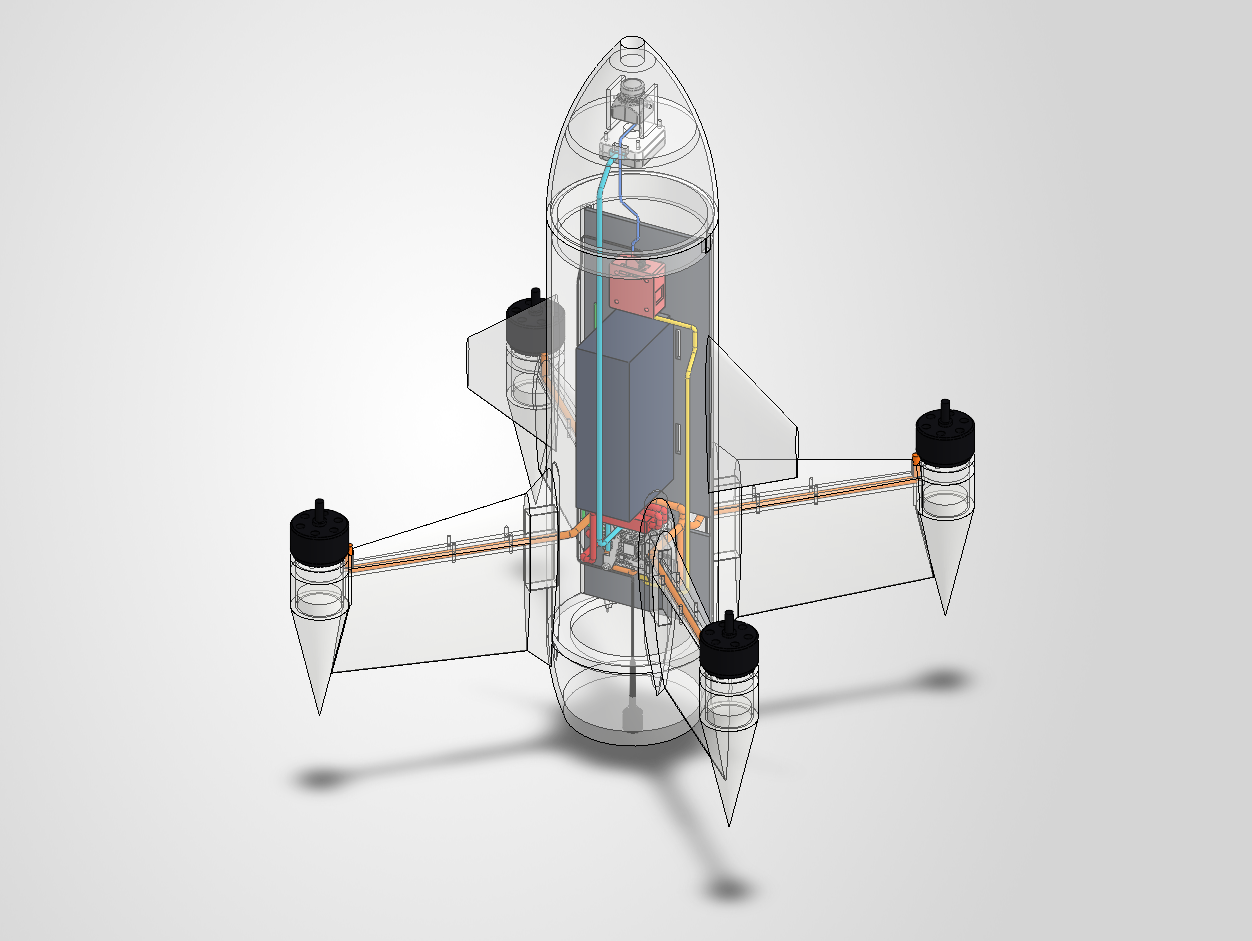 TRANSPARENT VIEW · COMPONENTS & WIRING
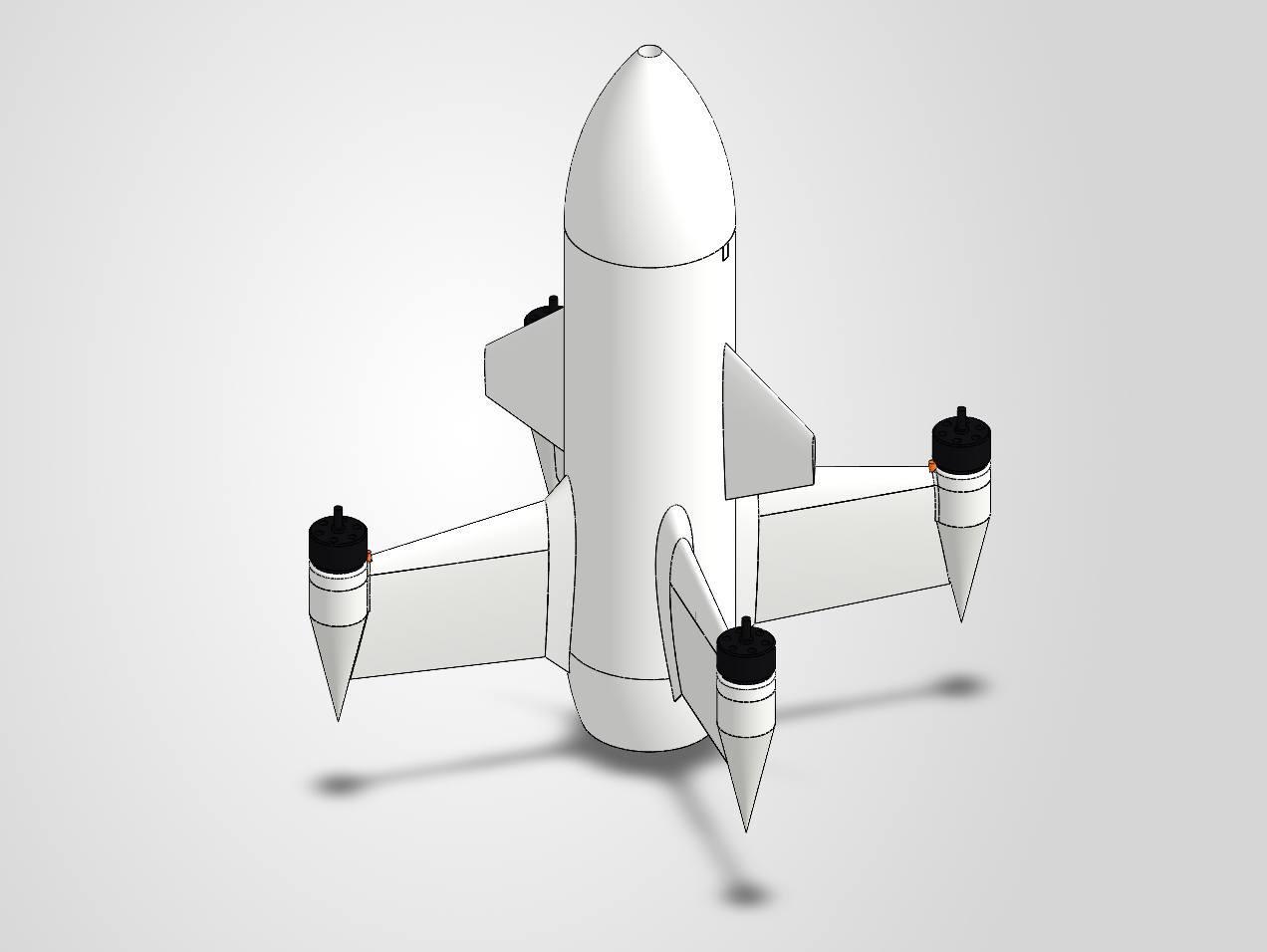
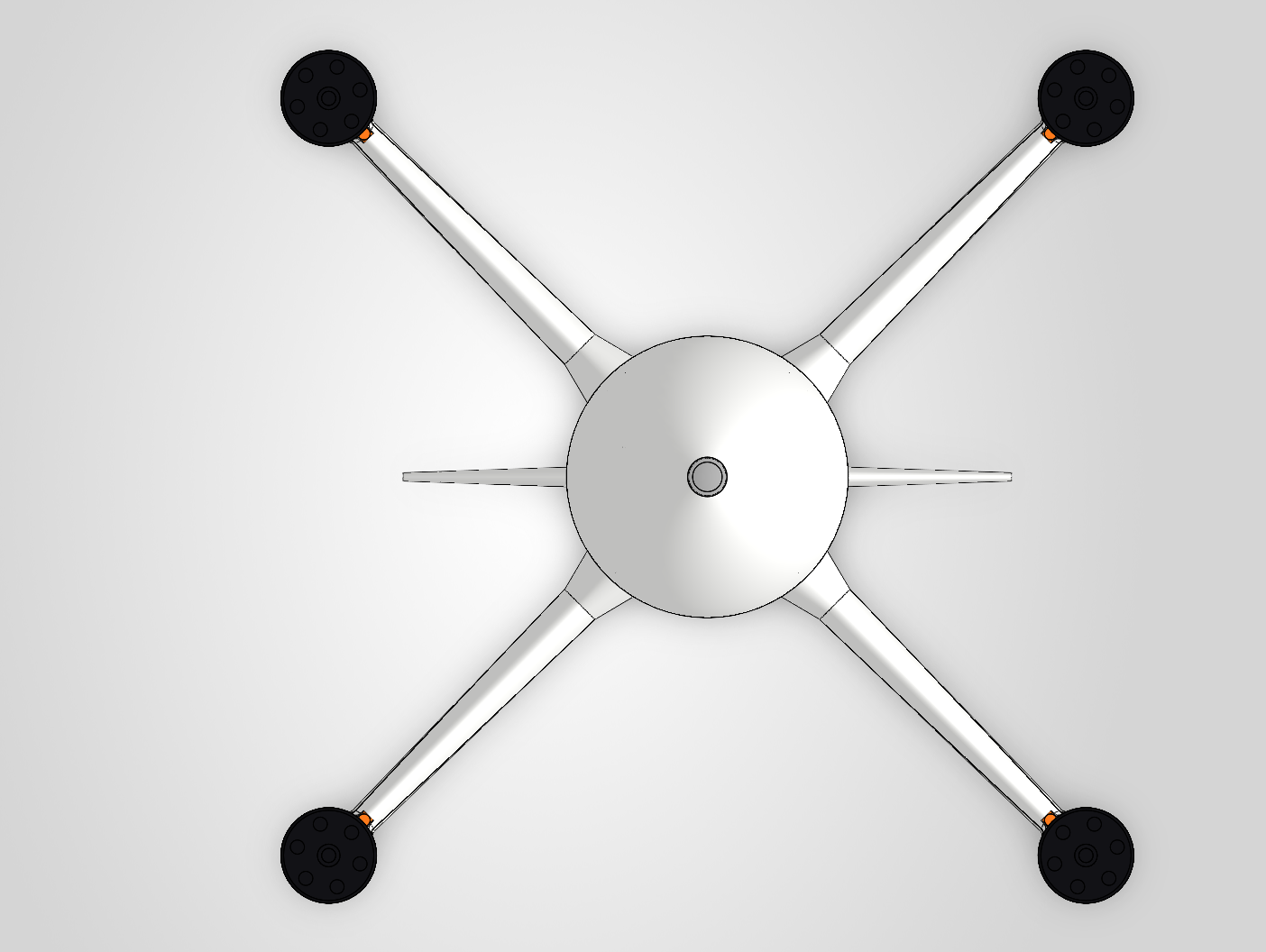
The transparent shell reveals internal component placement and wiring routes in the model. From the founder’s Peregrine VTOL project, shown as an engineering design example.
© 2026 Quality3Ds · Peregrine · CC BY-SA 4.0
Proposed workflow
Founder’s design project · Not presented as an output of the current SARA release
Real CAD experience. A clear scope for your team.
01 — 04DOCUMENTED LIVE WORK / 15 OCTOBER 2026
The original record reports 15 feature cases passed through a separate SARA server and a real MCP connection. These were SOLIDWORKS checks, beyond a browser illustration.
Part creation, dimension changes, added/removed material and volume checks; native saves and STEP exports.
Recorded live checks include sheet metal, thread, fillet, text, sweep, loft, mirror and other feature cases.
Component insertion, a mate, exploded views, drawing views and saves; PDF export passed a retest after a fix.
Source: the original development verification record, SOLIDWORKS 2026 SP2.1. Not every mode of every tool was tested. Original test captures/files are not displayed here; the VTOL image above is from the founder’s separate design project, not evidence of the current SARA release’s performance.
Arrange a live demo on a licensed workstation ↗Less repetitive work
Editing the model is only part of the job. Updated files, views, explanations and approval material follow. SARA is designed to shorten the path from engineering intent to outputs your team can review.
Dimensions, features and linked files still need attention after the engineering decision is clear.
Images, assembly explanations and revision notes belong in the delivery workflow too.
Inspect the current model, define the change and prepare an independent revision while checking its file references.
Less time preparing review material leaves more time for decisions and discussion of the next option.
We will select a bounded task and measure execution and review time. Images, assembly explanations and drawings depend on the tools and workflow verified for that task; additional features appear in the roadmap.
Explore the meeting flow ↗FOR SMALL ENGINEERING TEAMS
Design offices and manufacturers often repeat familiar steps across part variants. Start with a recent example from your team and choose the workflow to improve.
Evaluate a bounded dimension change in an agreed, editable sample.
Identify the model information and checks your engineer needs.
Assess the agreed save and export steps in your licensed environment.
These are candidate pilot areas. Exact operations, model types and CAD versions must be validated before they enter the agreed scope.
THE PILOT APPROACH
Agree the input, allowed changes, reviewer and acceptance criteria.
Understand the starting state and the boundaries of the task.
The engineer checks and approves the intended work. Confirm the exact controls during pilot readiness.
Compare hands-on time, corrections, review effort and support against a baseline.
CUSTOMER OWNERSHIP
Your designs, CAD files and project work remain yours. Buying a SARA licence gives you the right to use the bridge software; it does not give Aotearoa Labs ownership of your designs.
We do not use customer designs for our own training, marketing or demonstrations without permission.
SARA’s bridge code is separately licensed. Your CAD files and your engineering work do not become our property.
An AI provider may process the information your AI host sends it. Data handling depends on the exact provider, account, model and settings—not on who owns the design.
CONFIDENTIALITY, AI PROVIDERS AND DATA FLOW
Even when the SOLIDWORKS file stays on the workstation, an AI host can send prompts, dimensions, screenshots and tool responses to its provider. A local bridge does not make a cloud model local. Agree the exact data flow before connecting customer material.
Do not send confidential material to a cloud AI account that the organisation has not approved. Review training, retention/deletion, processing location, provider access and contract terms. If external transfer is prohibited, an assessed isolated configuration is needed; SARA does not currently claim a validated local-model mode.
No training is not the same as no retention. OpenAI API data is not used for training by default unless shared by opt-in; monitoring logs and feature-specific state can still be retained. Anthropic describes separate commercial policies and model-specific retention requirements. Personal and business accounts are not interchangeable.
OpenAI API — data controls ↗Anthropic — commercial training policy ↗Anthropic — model retention ↗
PROPOSED LAUNCH PRICING / BRIDGE LICENCE
Pay SARA for the bridge and agreed service. Your AI and CAD providers bill you separately.
200 USD per month
One named user · one active workstation
500 USD per month
Up to three named users
Team has a three-seat minimum price, including when only two seats are used. Examples: four users 650 USD/month; five users 800 USD/month.
All prices in USD, excluding taxes where applicable. Proposed setup: 499 USD for up to three hours; no second setup charge for work already included in the pilot. Additional support: 150 USD/hour with prior approval. Price and scope are confirmed before activation; this site does not collect payment.
PAID PILOT / 1,500 USD
Evaluate one agreed workflow with your team, with a baseline and a findings report. We confirm the supported operations, licensed workstation and onboarding plan before the live phase.
Arrange a demonstrationUSD, excluding taxes where applicable. No automatic subscription. AI and CAD costs are separate. Scope, readiness, timing, payment milestones and cancellation terms are agreed before payment.
BEFORE WE TALK
We agree the task and plan, then confirm your SOLIDWORKS version, licences, AI connection and the relevant workflow during onboarding. Deployment follows the agreed scope and acceptance checks.
Yes. SOLIDWORKS and any required add-ins are separate customer prerequisites. SARA does not provide or replace those licences.
Development was supported by a business owner holding a current SOLIDWORKS licence. SARA supplies the bridge software; it does not supply or transfer a SOLIDWORKS licence. Each use remains subject to the applicable licence and user permissions. Customers need an appropriately licensed CAD environment.
Yes, that is the proposed billing model. Use a supported AI host or your own API project, subject to confirming the exact connection. You pay the provider directly. For confidential work, the organisation must approve that account’s data handling; a personal subscription is not automatically suitable.
The designs and engineering work are yours; we charge for permission to use SARA’s software. We do not take ownership of your CAD files. This is separate from confidentiality: a connected AI provider can receive prompts, images and tool results, under its own applicable terms.
Yes—live demonstrations are arranged with an appropriately licensed workstation and an agreed sample. SARA already has documented live CAD checks. The VTOL image is from a separate design project, not a recording of the current SARA release. Any browser-only walkthrough is identified as such.
SARA contains eight Simulation tools, but its recorded test session could not load the Simulation add-in. Solver results were not validated in that session. A successful run with another MCP does not establish the same result with this implementation. We confirm add-in access and results before including Simulation in a customer scope.
Do not send it to an unapproved cloud AI account. First agree which data can be shared, the provider’s training and retention terms, processing location and access. Where no external disclosure is permitted, use an appropriately assessed isolated local deployment; that configuration is not yet validated as a SARA offering.
They are not part of the validated SARA offer presented here. A separate adapter would need its own scope, licensing review and testing.
LET’S LOOK AT ONE REAL TASK
Tell us the kind of work, your CAD environment and who reviews the result. We’ll discuss whether a focused pilot makes sense.
admin@aotearoalabs.co.nz ↗Start with a non-confidential description. We can agree permissions before exchanging design files.